Going through your team's timesheets
At the end of a period, you review the timesheets of several people. Rather than going back to the "My team" page after each person, you can open the first one and then move from one to the next with the "Previous person" and "Next person" buttons. You can also look at a person's forecasts, meaning their upcoming timesheets.
To follow the instructions in this article, you will need access to the manager features. A team leader goes through the people of their teams the same way.
How to open a person's timesheets or forecasts?
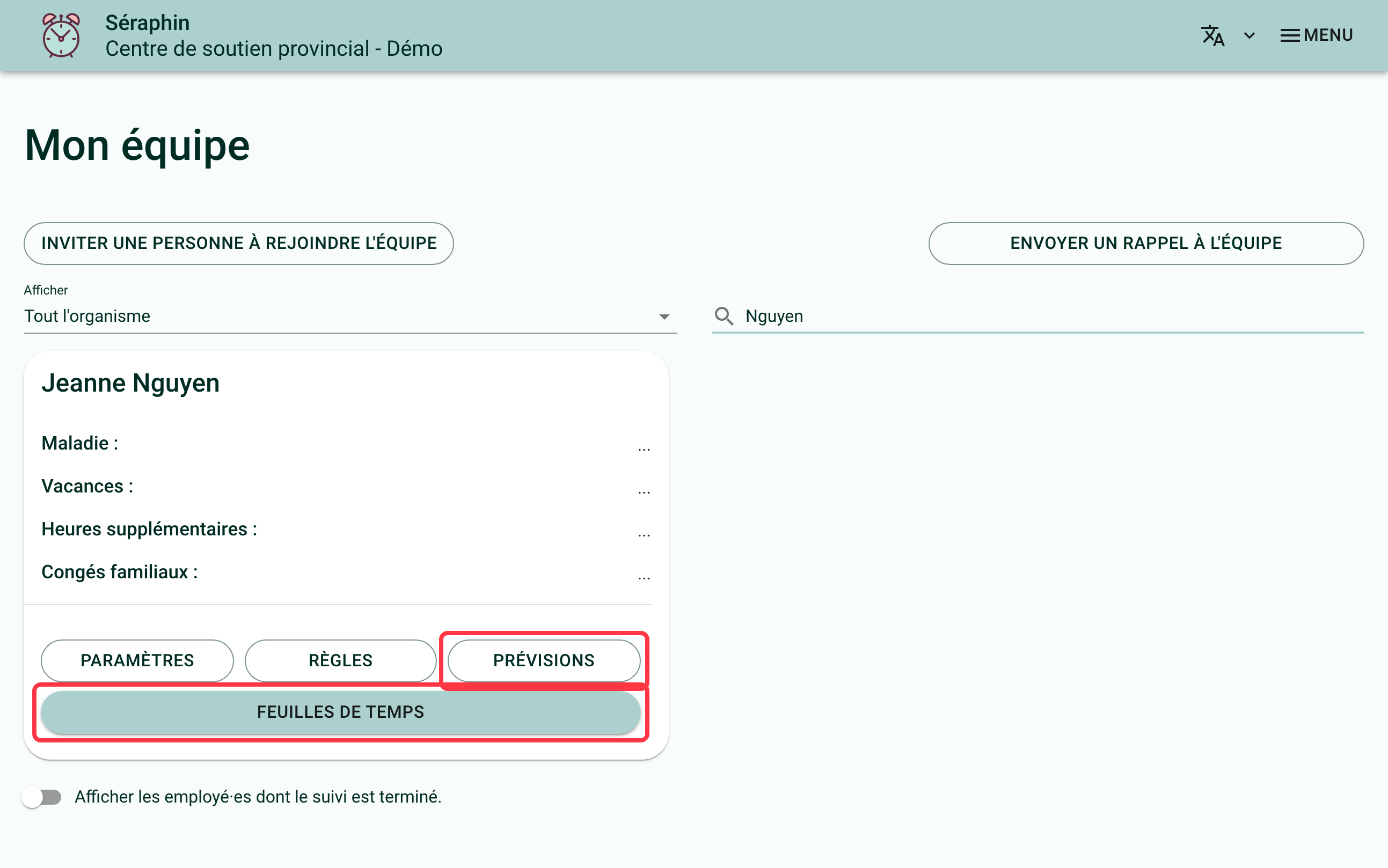
Go to the "My team" page. The card of each person who fills in timesheets has two buttons:
- "Timesheets" opens the list of their timesheets, up to the current week;
- "Future timesheets" opens their upcoming timesheets, up to the end of the current year. The bank calculator is not offered on another person's forecasts: it only simulates your own banks.
How to move to the previous or next person?
Once a person's timesheets are open, the "Previous person" and "Next person" buttons appear under their name. One click opens the neighbouring person's timesheets, without going back through "My team".
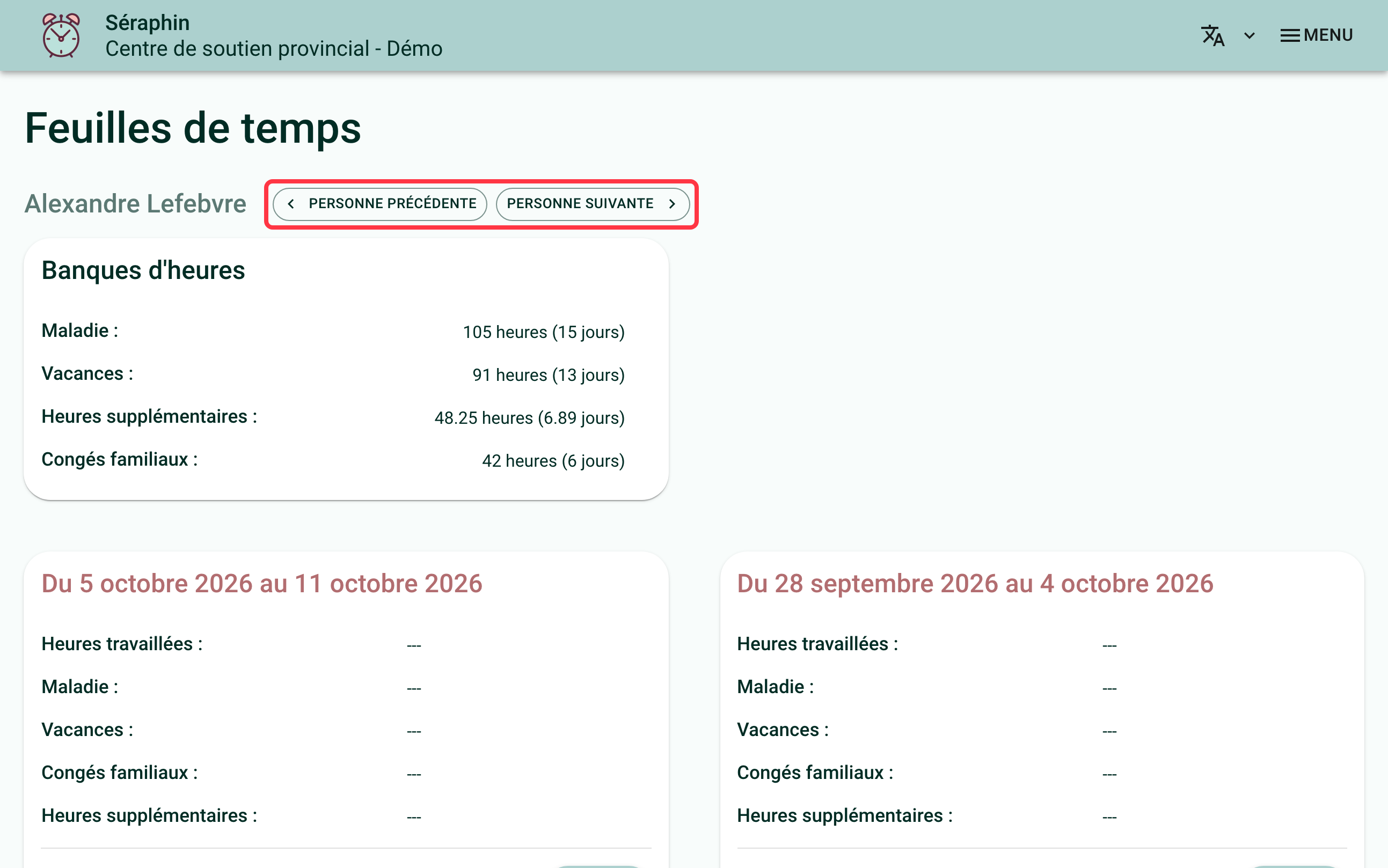
The order followed is the one of the "My team" page, as you saw it when you left it: if you had searched for a name or filtered the list, only the people displayed are visited. To change this order, read Choosing the order of people in "My team".
A greyed-out button means you are at the start or at the end of the list.
How to move to the same week of the next person?
On the page of a week, the same "Previous person" and "Next person" buttons appear under the person's name. They lead to the same week of the neighbouring person: handy for countersigning the whole team's week, one person after the other.
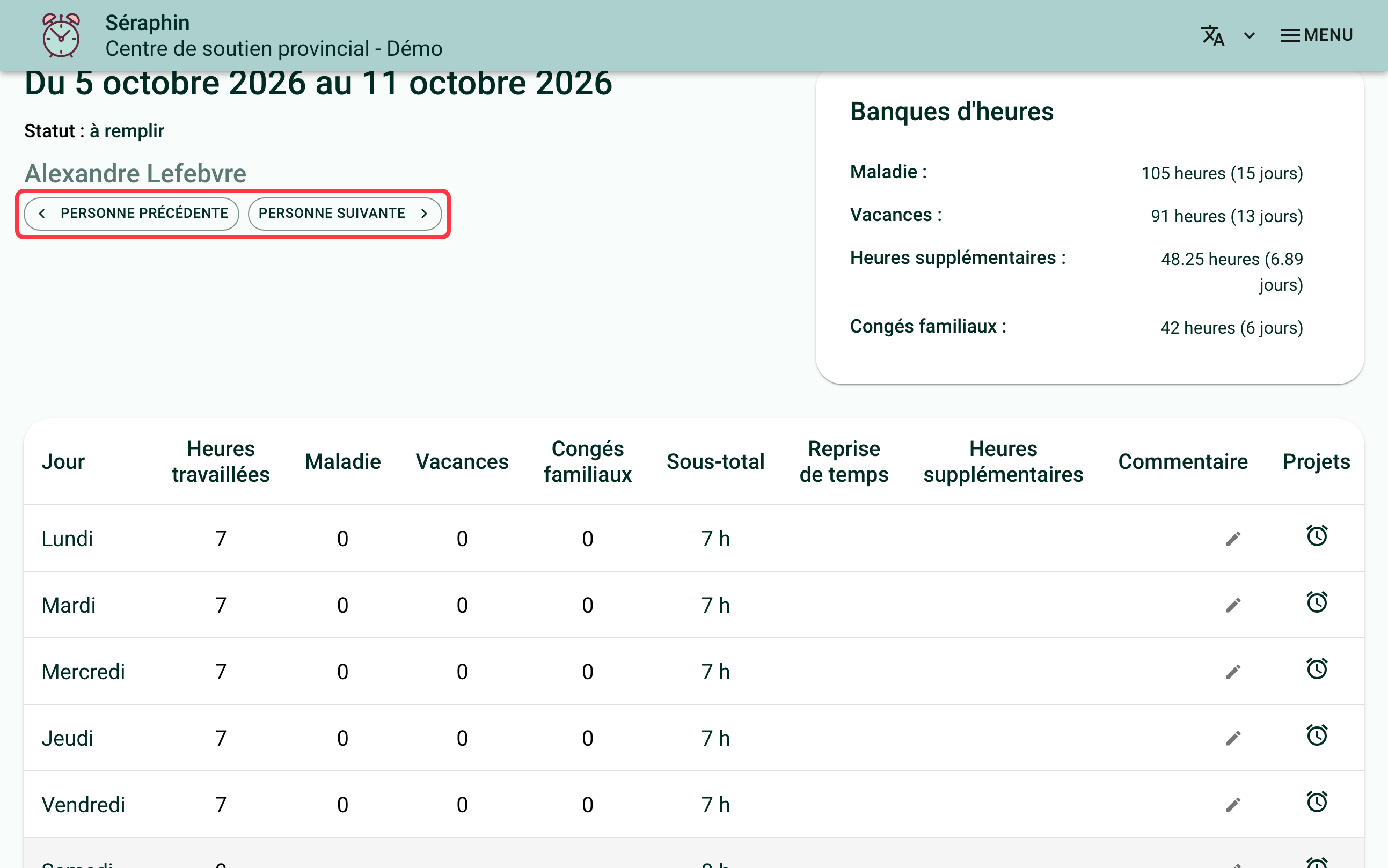
People who have no timesheet that week, for example someone hired later, are skipped: the button leads to the next person who has one.
The "Previous week" and "Next week" buttons stay where they are: they change the week for the same person, and the "My team" list follows you from one week to the next.
If you need help with this, write to us at support@feuilledetemps.ca.