Hour Banks Report
On the "Team" page, you can view the current hour banks for each of your employees as of today.
But what if you want to see this data for a past date or project future balances to plan annual leave?
In this article, we will explain how to generate a report showing the hour banks for all or part of your team on a specific date, and how to add the dollar amounts to it.
To follow the instructions in this article, you will need access to the manager features. Reports are reserved for the organization's administration and for team managers with full access to their team.
How to View Hour Banks in the Past or Future?
Go to the "Reports" page and complete the "Hour banks" section.
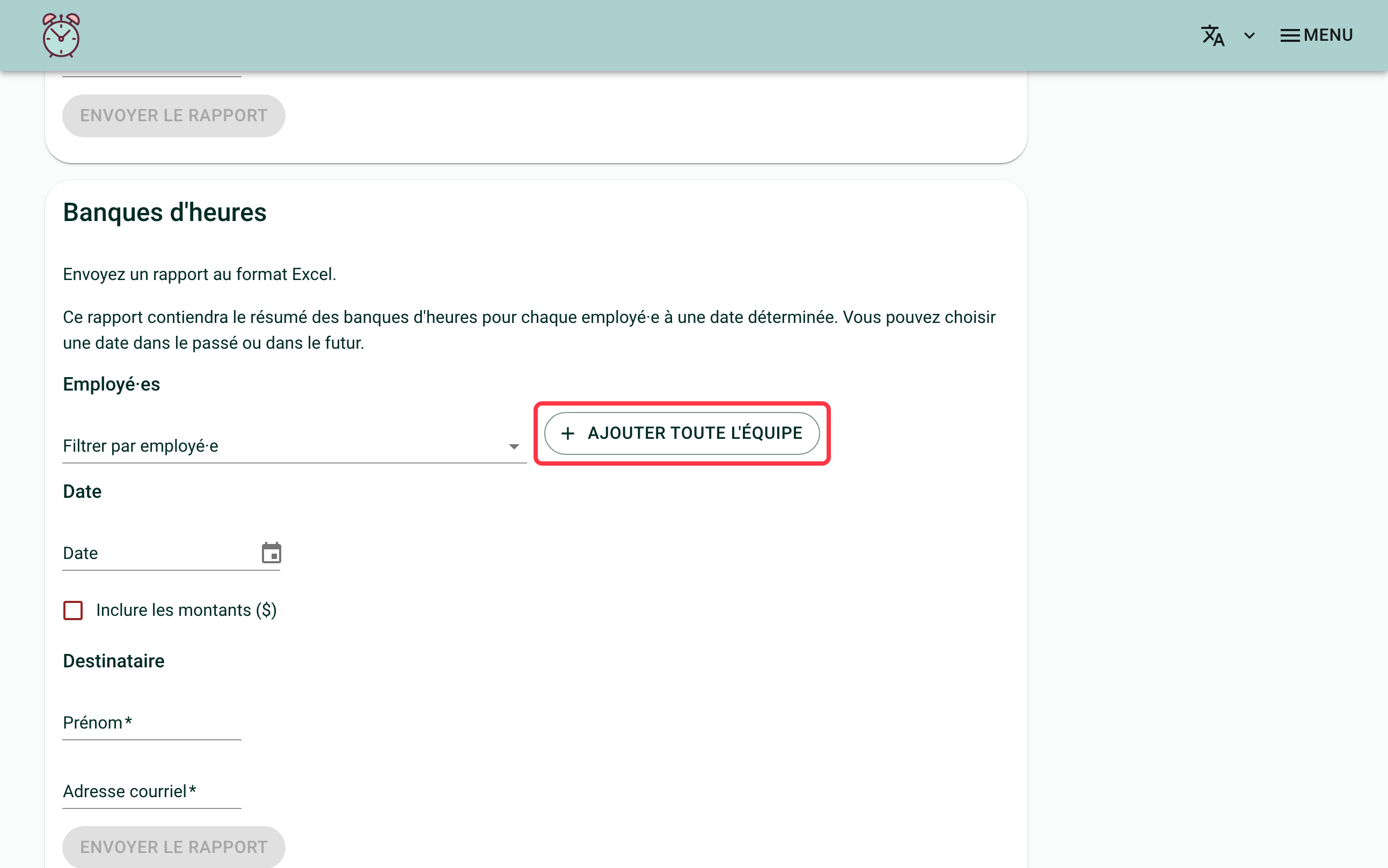
Filter by employee (optional)
The "Filter by employee" field narrows the report down to one or more people. The "Add all employees" button adds them all at once. Useful, for example, to send the bank report for senior management only to the board's chair, without exposing the rest of the team's balances.
Without a filter, the report covers the whole team.
Choose the date, the amounts and the recipient
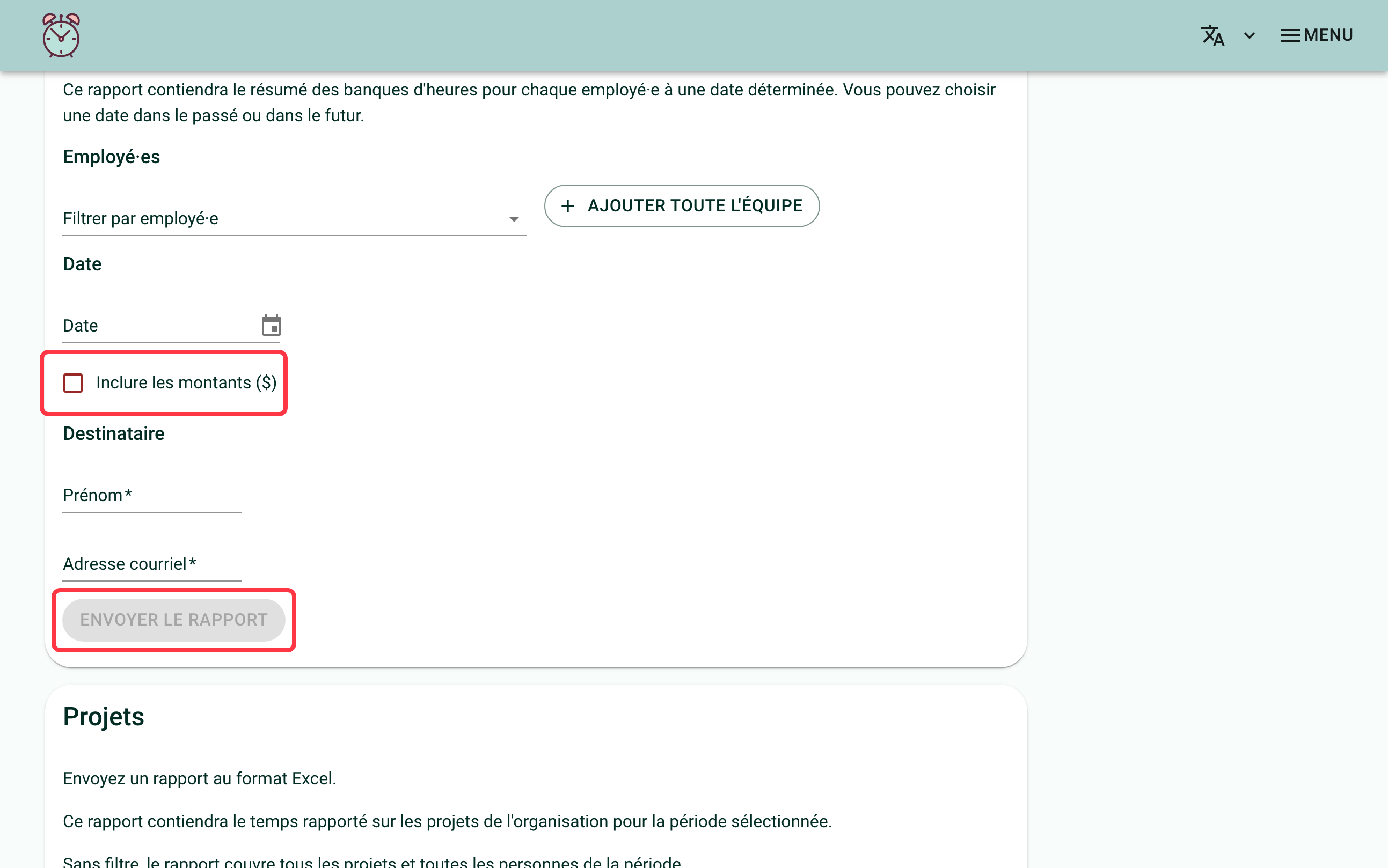
Fill in the "Date" field with the date you want to know the hour banks for. You can choose a date in the past or in the future.
Check "Include amounts ($)" to add, in the Excel file, the relevant banks in dollars rather than in hours only. This box is unchecked by default.
Then fill in the "Name" and "Email" fields for the person who will receive the report, and click the "send the report" button.
An email will be sent to the chosen email address. This email includes an Excel report with the selected employees' hour banks for the chosen date.

When "Include amounts ($)" is checked, two dollar columns are added where they apply: "Vacances ($)" ("Vacation ($)") for people whose vacation is calculated as a percentage, and "Heures supplémentaires ($)" ("Overtime ($)") for people whose overtime bank is kept in money. A column only shows up if at least one person in the report has a value for it; a person with no hourly rate on file keeps their dollar cells blank, rather than at $0.
If you need help with this, write to us at support@feuilledetemps.ca.